Canopy and NanoStation spares: inventory, acceptance and issuing equipment
The useful reserve of the network is equipment with a known purpose, an agreed set and responsible for issuance. For the Canopy 5200APG, 5250SMBC and NanoStation M2, you can prepare a general procurement list, saving individual lines by platform. So the stock helps to restore the desired site without re-finding what box was purchased.


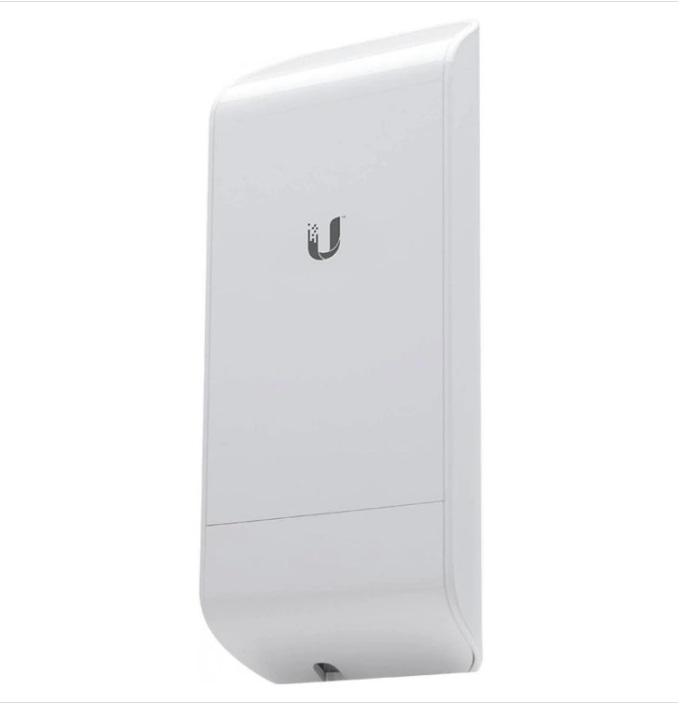
Start with the list of operating sites
Make a small list: the object, the role of the node, the full designation of the installed device, the accessories used and the contact of the technical responsible. For each object, specify which instance is reserved and which equipment remains in place when replaced. This connection between the site and the purchase line is more useful than the general list of access points and power supply units.
In one organization, different systems can work simultaneously: Canopy on a remote site and NanoStation M2 between individual buildings. They are included in the same statement for the organization of procurement, but keep different configurations and sets. Before ordering, specify what position is needed for a particular object. A common backup box does not confirm the interchangeability of devices, power supply or software platforms.
Select procurement items by role
In the catalog available individual cards 5200APG, 5250SMBC and NSM2. For Canopy, separate the access point and the subscriber module; for NanoStation, lock in the exact M2 model. In each line, write down the number, the assigned site, the full code and the required verification composition. If several configurations are possible, give them in separate rows for technical approval.
When determining the reserve, the importance of the sites, the procedure for obtaining a replacement and the possibility of a total stock for a truly agreed configuration are taken into account. Conditional example: two equally equipped sites can use a common backup copy only after checking the technician and agreeing on the issuance procedure. For different platforms, the reserve is distributed for individual purposes. This example describes the logic of the statement, not the universal rate of quantity.
Check the limitations of old equipment
For 5200APG, the manufacturer publishes the completed life cycle in the Cambium Networks table. Therefore, the reserve for the existing Canopy system and the development plan for the new infrastructure are considered separately. In the quotation on reserve, the state of the copy, verification, documents and conditions of the seller's service are recorded. Support for another line can not be assumed by one brand on the body.
For the NanoStation M2, a separate power supply column is useful. In Ubiquiti leadership The NSM2 model refers to devices with passive PoE. The designation of the source and the composition of the proposed kit should be kept close to the device. So, at the subsequent issuance, the specialist sees which adapter was agreed to this instance, and does not select it from externally similar sources.
Accept delivery in copies
Before accepting, prepare an agreed quotation and a list of checked items. Compare the full designation, serial number, condition and accessories. If the equipment inspection was part of the quotation, attach the result to the appropriate line. Labeling photos help to preserve the configuration in the organization’s documents; a snapshot of a box without a label gives less useful information.
For each set, assign a storage location and a responsible person. Accessories can be considered together with the device if they are agreed to this purpose. Separately save parts that are designed for use on the site and are not included in the reserve. In the card of the equipment, it is worth distinguishing between “received”, “checked to the agreed volume” and “issued to the site”: these states describe different actions.
Organize the issuance and replenishment of the reserve
When issuing, write down the object, serial number, transferred kit, date and receiving specialist. If the removed device is returned, consider it separately before deciding on suitability. This allows you to see which instance is in operation and which is available as an agreed reserve. The issue history helps to understand the need for the next order, without replacing the technical assessment of the condition.
It is convenient to send a request for replenishment with the same statement: article, full configuration, the desired amount, destination and point of receipt. For distributed objects, add addresses and those responsible. Request the current quotation for the selected position: status, kit contents and the deadline for receipt agree before ordering. The response KP will link the purchase to specific appointments on your statement.
Questions before ordering
Need a separate reserve for each site?
The distribution is determined by the customer with a technical specialist. The common reserve is used for agreed configuration and clear issuance procedure.
How to store data on instances?
The statement links the full code and serial number with the appointment, set, verification and responsible.
What to include in the replenishment request?
The exact article and configuration, quantity, designated objects, composition and point of receipt. Availability and timing are confirmed in the KP.
Materials for the next step
Equipment cards and quotation request
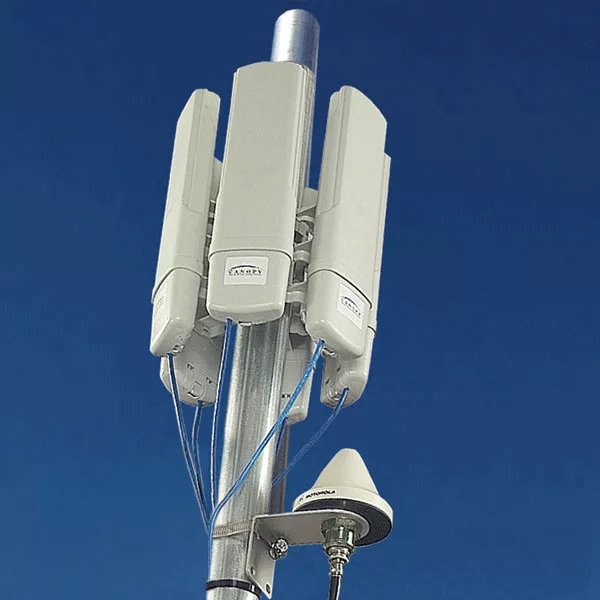
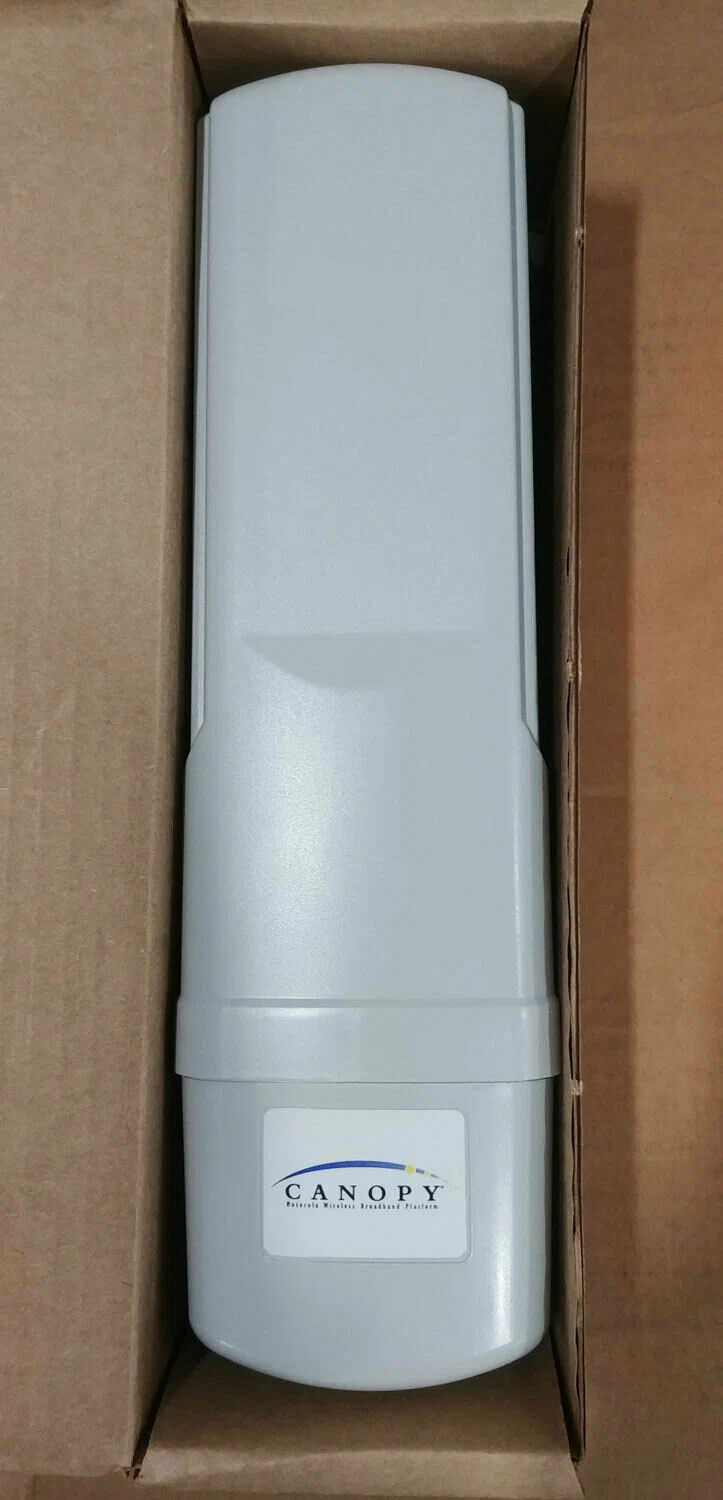
- Motorola Canopy 5200APG Access Point
- Motorola Canopy 5250SMBC – Subscriber Module
- Ubiquiti NanoStation M2 is a separate platform
Each position is selected for its purpose; availability, configuration, configuration and term are confirmed in the KP. Write it down. office@omegacanopy.ru or call +7 (3812) 49-00-02You better email..