NanoStation M2 at 2.4 GHz: an access point for wireless bridges and PtMP networks
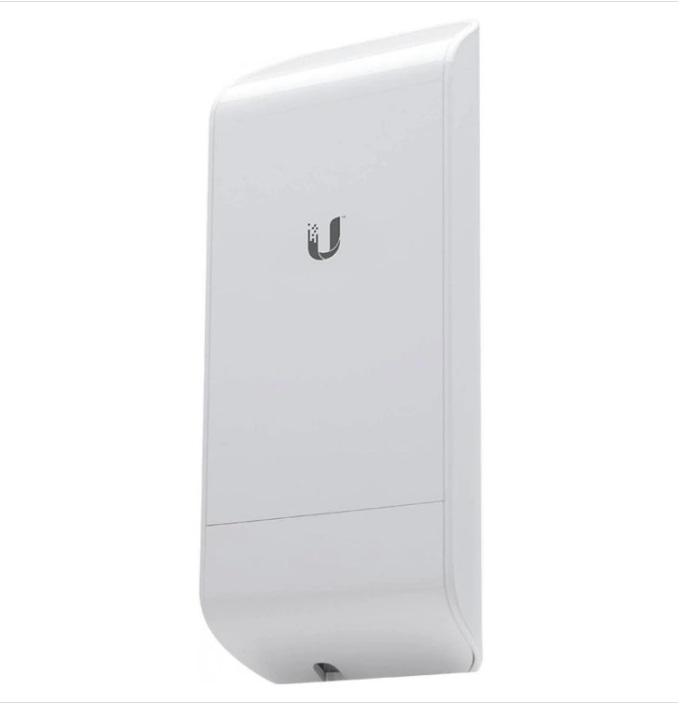
NanoStation M2 is a 2.4GHz Ubiquiti street access point that works equally as a bridge between two objects (PtP) and as a multi-subscriber distribution base (PtMP). This device is from the airMAX family: the protocol puts the transmission into slots and cuts collisions, so the real bandwidth in a network of several points is more stable than that of “just Wi-Fi”. In stock, shipment from the warehouse.
What's inside the passport?
The main feature of the M2 is an integrated antenna with a gain of 11 dBi and double polarization: the external antenna is not necessary to put, the body is completely attached to the mast or wall. The power output is 26 dBm, the declared range is more than 10 kilometers, the bandwidth is more than 150 megabits per second. power supply goes along the same twisted pair as the data: the PoE 24 volt adapter is included in the kit, one cable is stretched to the device, and the socket is needed only at the bottom.
When you choose 2.4 GHz rather than 5 GHz
The five-gigahertz range is cleaner and faster, but the 5 GHz signal is noticeably worse than the obstacles: foliage, buildings, terrain on the track. Two and a half gigahertz pass through the greenery and softer around obstacles, so the M2 is chosen where there is no clear line of sight between the points and will not be: country and rural trails through trees, communication between low buildings, backup channels. The fee for this is more noisy air: 2.4 GHz has home routers, and a free channel will have to be selected during installation.
PtP or PtMP on a single device
In point-to-point mode, the M2 connects two objects: all the power and strip work on one shoulder, and on short runs it is a cheap and fast bridge. In multipoint mode, one point distributes to several subscribers - for example, a base on an elevator or a water pump and receivers on controlled objects. Mode switching is setup, not hardware, so the network circuitry can be changed without replacing the hardware.
What to consider when installing
Like any radio bridge, the M2 wants height and line of sight: the higher the point and cleaner the first zone of Fresnel, the more stable the channel is. The cable to the device holds both power supply and data, so you do not need to pull a separate power line to the mast - this simplifies installation and reduces the cost of work. Connectors and mounting - complete, orient the points to each other on a scale on the mount.
How to complete the package
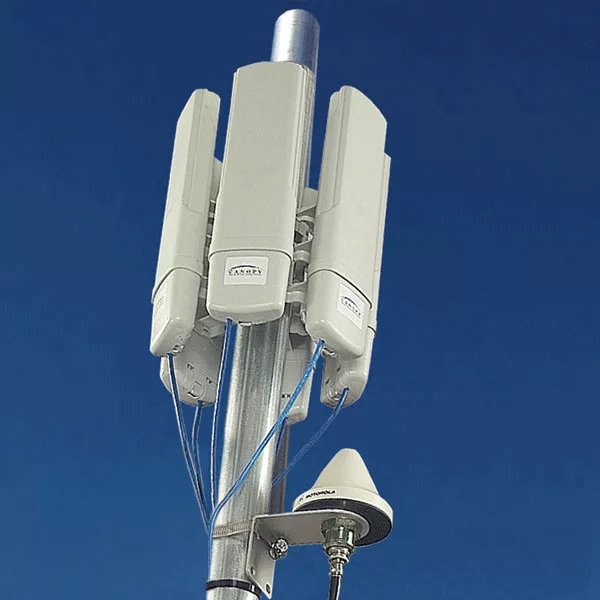
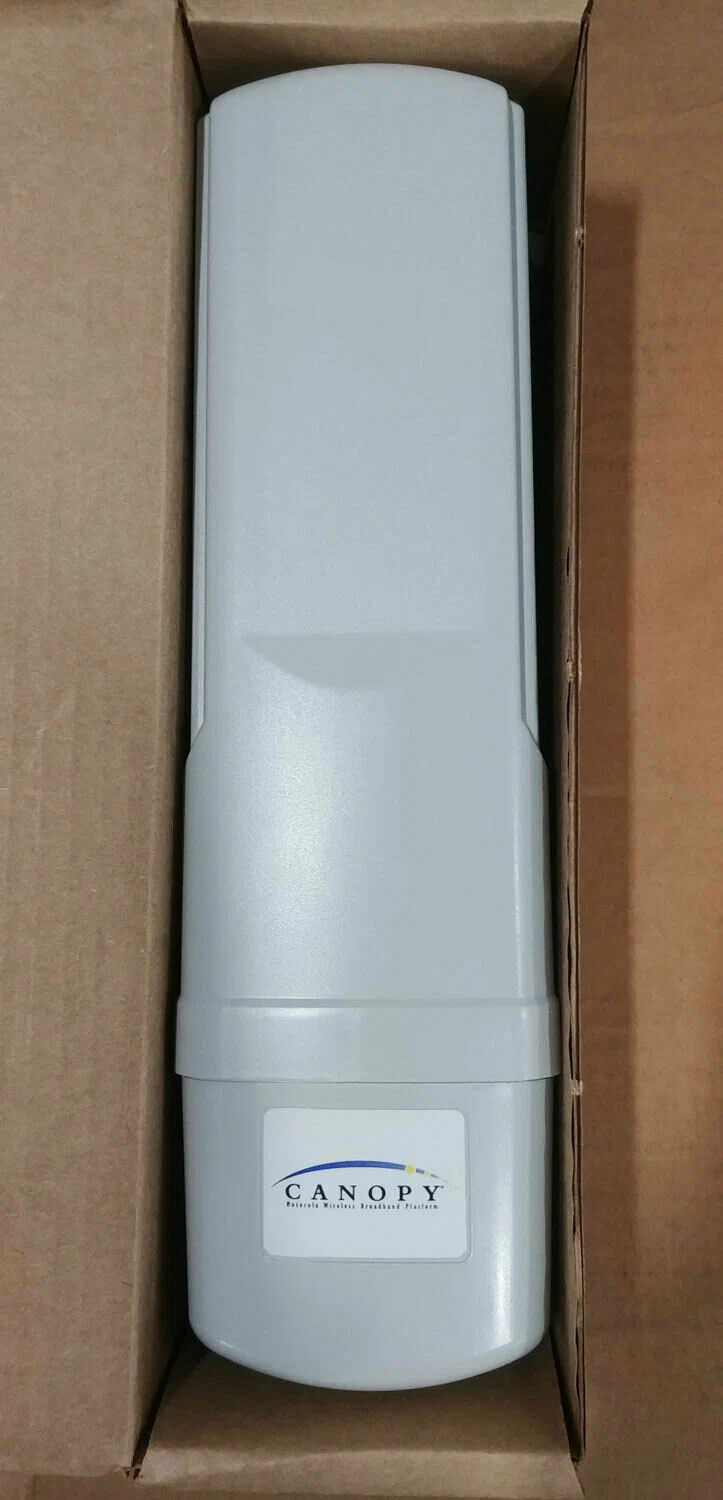
If the network is built at 5.2 GHz under the Motorola Canopy, look at the 5200APG access point and the 5250SMBC subscriber module – they are in the same directory. For a mixed circuit, where 2.4 GHz serves as a reserve or "green" shoulder, the M2 is taken in pairs: one device for each end of the bridge. All positions are available, they are in the "Catalogue" block below.
How to order
Write to e-mail: clarify the price, availability and delivery time during the working day. If you send the coordinates and heights of the points, calculate the track and say whether to take 2.4 GHz or cleaner close the line 5 GHz.